
89 gramsof intent
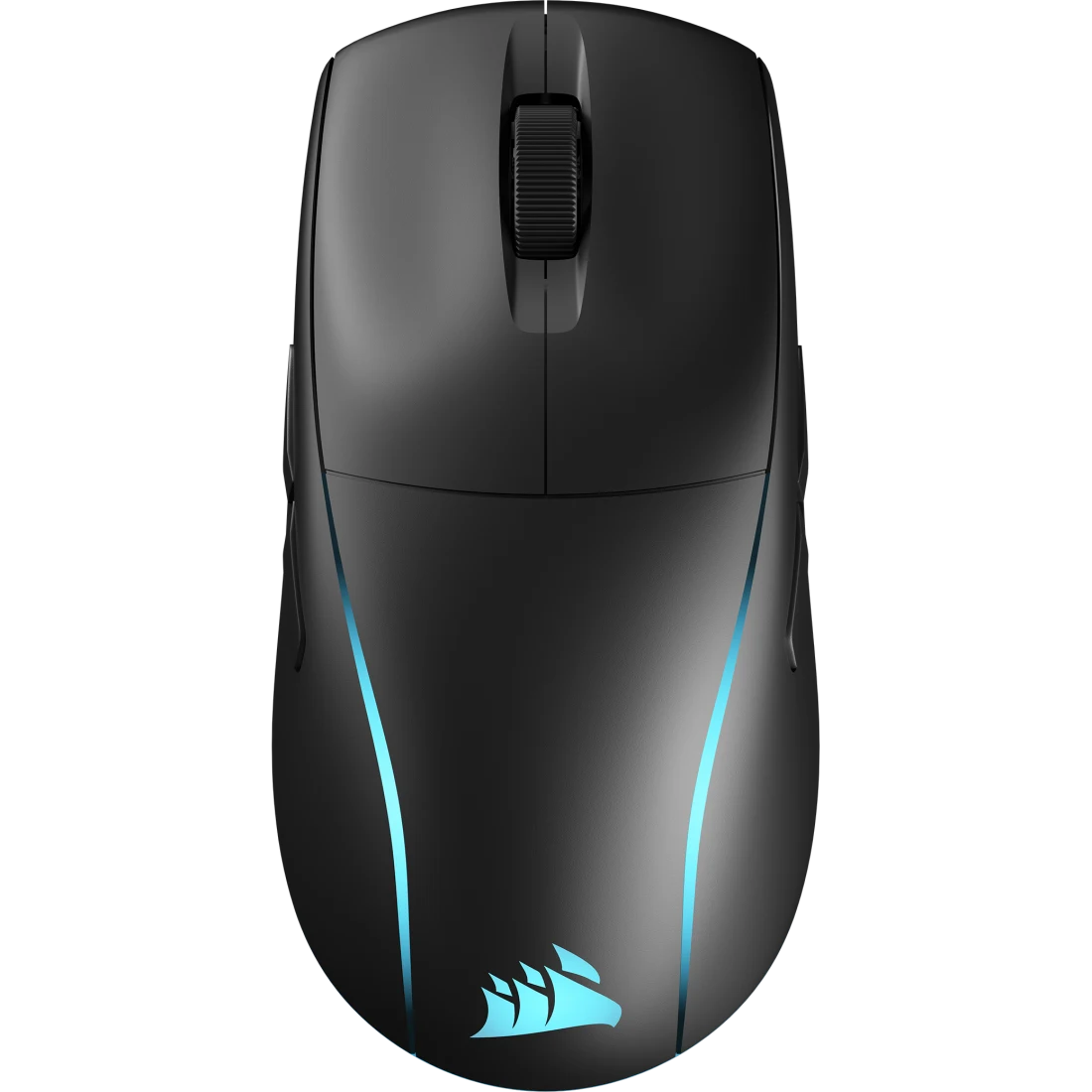
The M75 WIRELESS is an ambidextrous FPS mouse built around one number and one link: 89 g on 100% PTFE feet, and a sub-1 ms SLIPSTREAM connection that behaves like a cable.
All inclusive · GST invoice · 2-year Corsair India warranty
- Your cursor speed
- 0.0IPS
- M75 tracking ceiling
- 650IPS
- Your travel this visit
- 0m
- Acceleration limit
- 50G
Move your mouse anywhere on this page — the reticle above is tracking it. The M75 keeps up until 650 IPS. You will not get there.
Mass audit
Nothing left
to remove
Weight is the only mouse spec you feel on every single flick. Sixty grams of difference over a four-hour session is not a number on a box — it's whether your aim is still there in the fifth round.
- M75 WIRELESS89 g
- Typical wireless112 g
- Older ergo flagship125 g
- Office mouse150 g
Comparison figures are category averages, not specific competitor claims.
Marksman 26K optical
Where you
point, it goes
A 5 cm hand sweep moves the crosshair 3,150 px — about 1.6 screens across at 1920 px wide.
- Native resolution26,000DPI
- Tracking speed650IPS
- Acceleration50G
- Polling rate1,000Hz
- Switch rating100Mclicks
The clicks sit on optical switches with CORSAIR QUICKSTRIKE — zero gap between the button and the switch beneath it, so the travel you feel is the travel that registers. No debounce delay, no double-click drift as the mouse ages.
Slipstream wireless
The wire
was the problem
SLIPSTREAM relays your input in under a millisecond over 2.4 GHz — Corsair rates it at twice the speed of the closest competing wireless link. Watch two identical inputs leave at the same instant.
M75 WIRELESS · SLIPSTREAM
Sub-1 ms · 1000 Hz report rate
CLOSEST COMPETING WIRELESS LINK
2× slower, per Corsair's published testing
Illustration of a claimed 2× relative difference, slowed for visibility. Bluetooth is also on board for a second machine.
Swappable magnetic side buttons
Built for
both hands
Two assignable buttons snap onto the left flank under your thumb. The right flank takes the smooth blank panel, so your ring finger never catches an input mid-sweep.
- Genuinely symmetrical shell — not a right-hand shape with a flat side
- Buttons swap by hand in seconds, held by magnets
- Remap either side in iCUE, or leave them dead
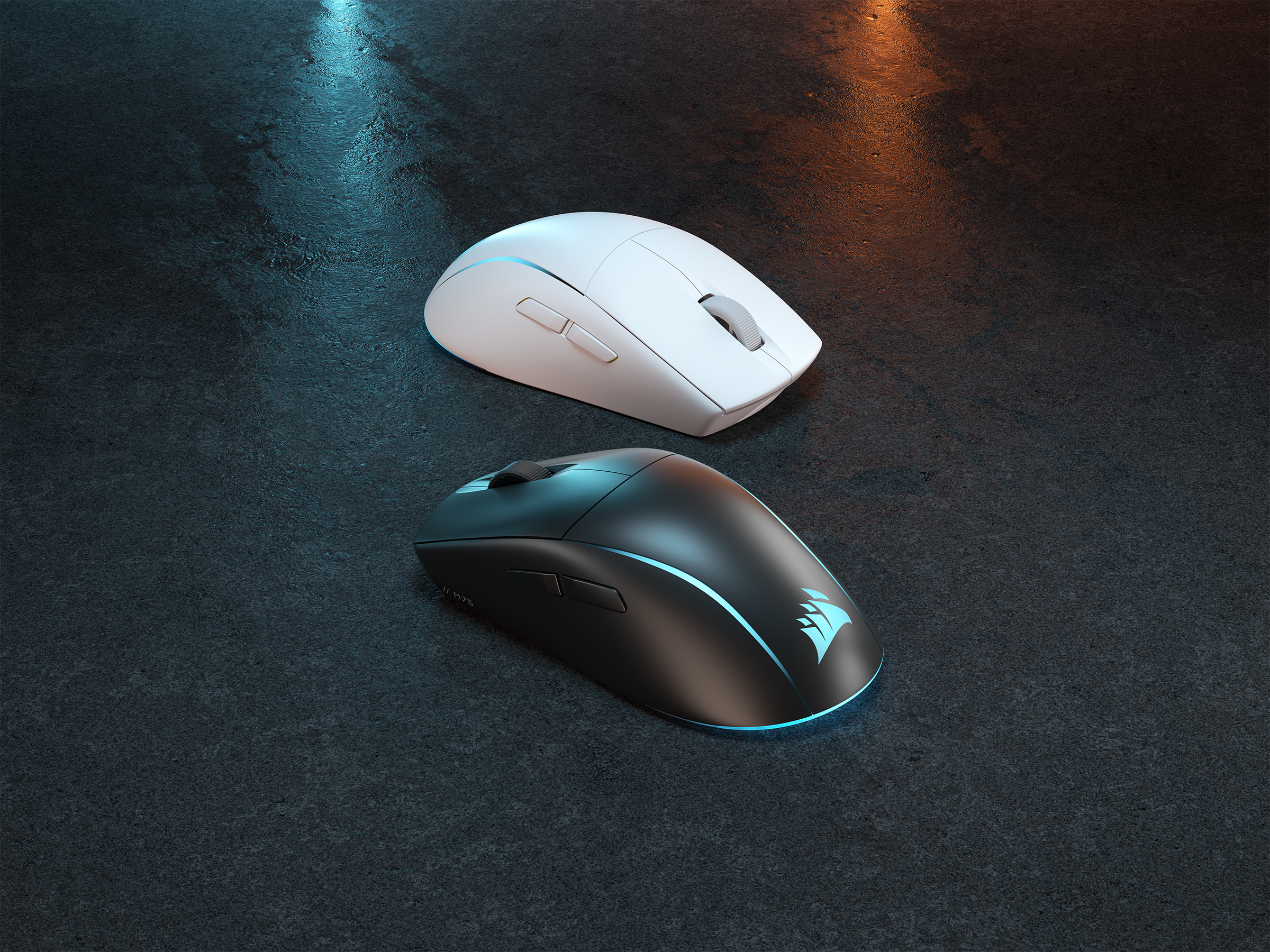
Anatomy
Meet M75
Wireless
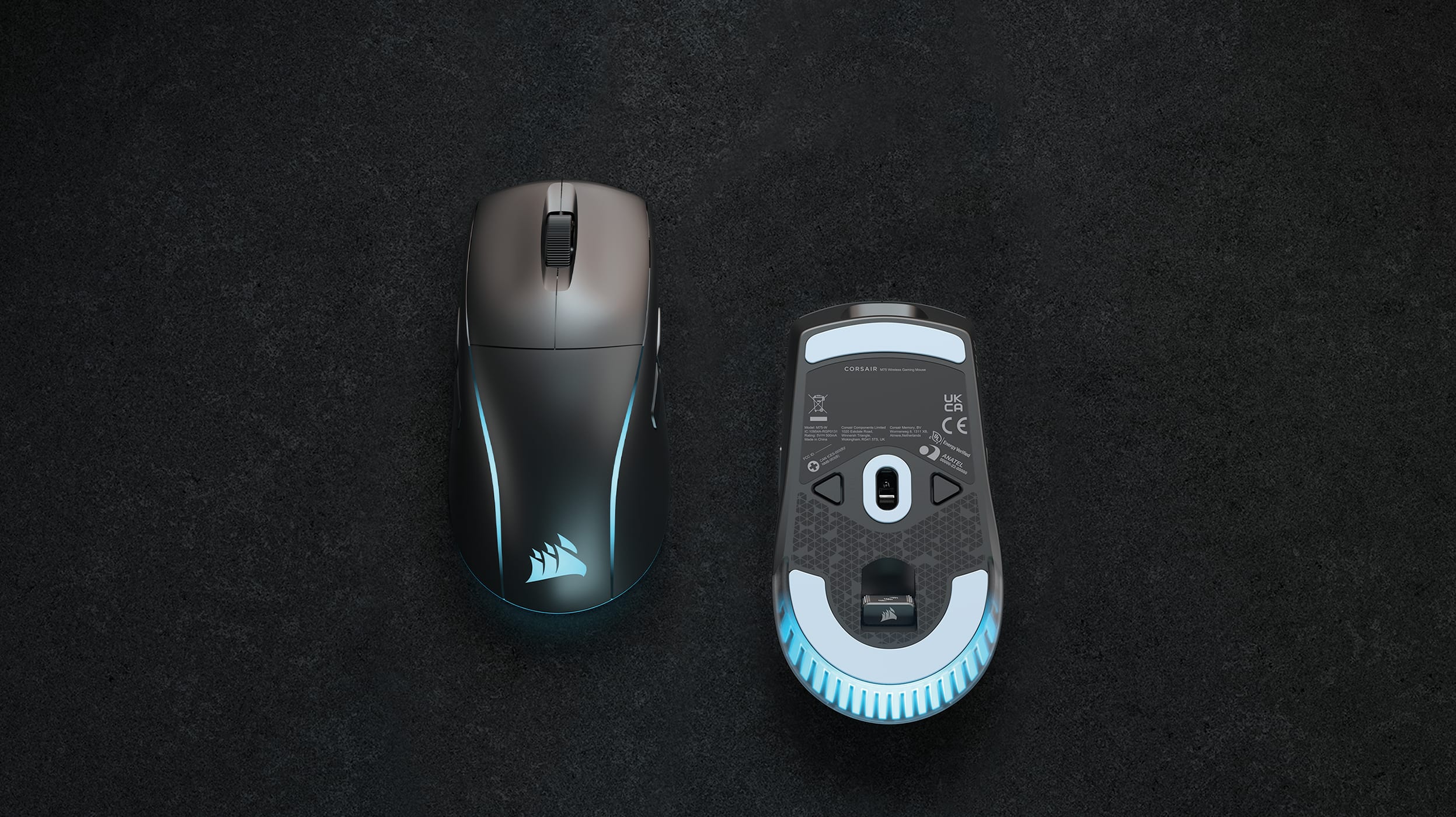
CORSAIR QUICKSTRIKE buttons
Zero gap between the primary buttons and their optical switches, so there is no dead travel before the input registers.
Endurance
Charge it
on Sunday
2.4 GHz SLIPSTREAM
105hoursRGB off. Full recharge in 95 minutes or less over USB-C, and it stays usable while charging.
Bluetooth
210hoursRGB off. Keep the second machine paired over Bluetooth and the gaming rig on SLIPSTREAM.
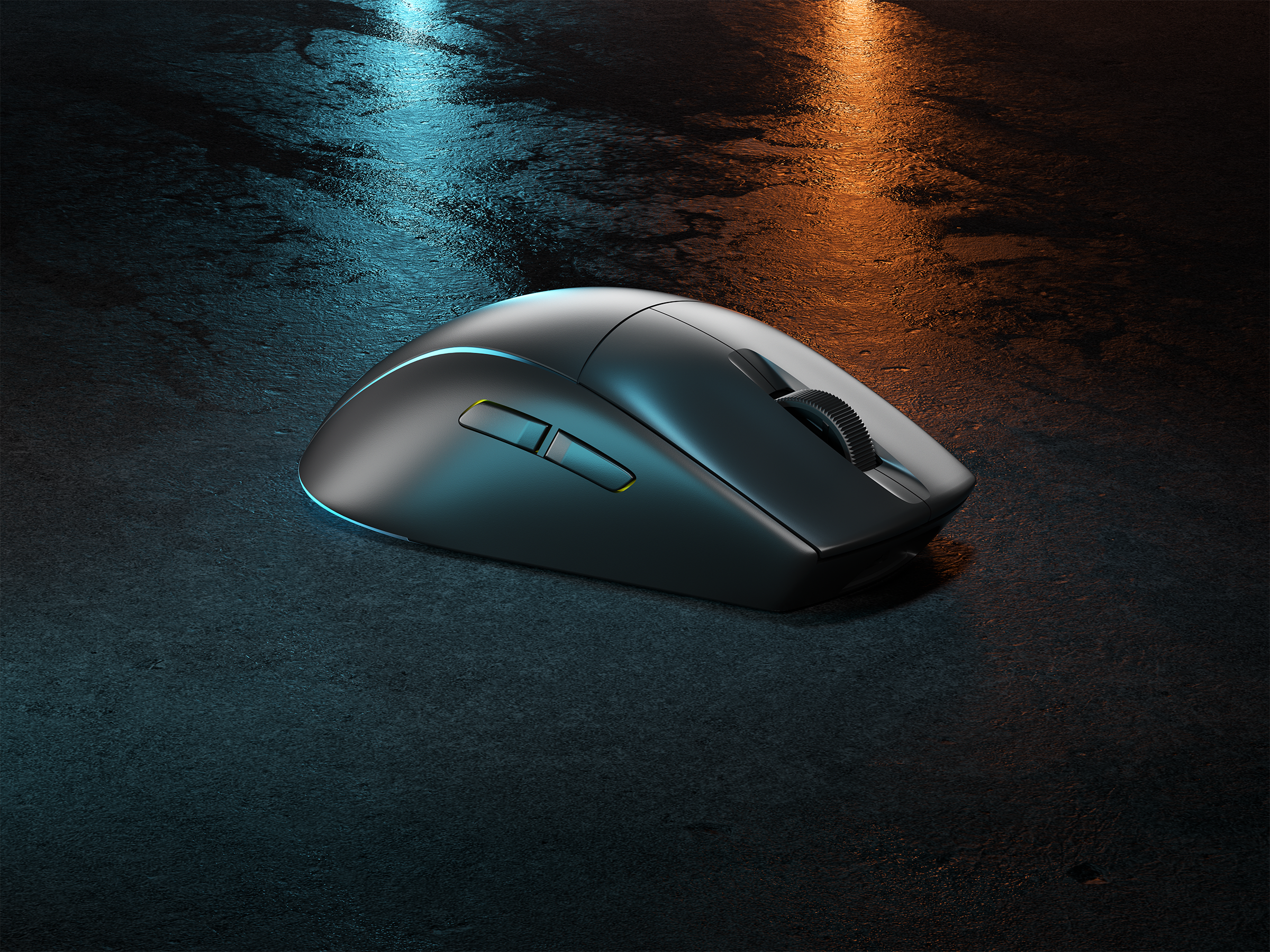
Gallery
In the light
Tech specs
The numbers
- Weight89 g
- SensorCORSAIR MARKSMAN 26K optical
- Resolution100 – 26,000 DPI, 1 DPI steps
- Tracking650 IPS up to 50G
- Polling rate1,000 Hz
- SwitchesOptical, QUICKSTRIKE 100M clicks
- ConnectivitySLIPSTREAM 2.4 GHz · Bluetooth · USB-C wired
- BatteryUp to 105 h SLIPSTREAM 210 h Bluetooth, RGB off
- Charge time95 minutes or less
- ShapeAmbidextrous, swappable magnetic side buttons
- Feet100% PTFE
- LightingTwo-zone RGB iCUE
- Onboard profiles1
- CompatibilityWindows 10 / 11, macOS 10.15+ USB-A port for receiver
- SKUCH-931D010 Black
- Warranty2 years Corsair India
In the box
- M75 WIRELESS gaming mouse
- SLIPSTREAM USB wireless receiver
- USB-C to USB-A charging and data cable
- Swappable magnetic side buttons — assignable pair and smooth blank pair
- Documentation and warranty card
Buying from StudBudPC
GST invoice
Full tax invoice on every order, input credit ready for business buyers.
2-year warranty
Corsair India warranty, serviced through Corsair's authorised network.
Ships pan-India
Dispatch from Mumbai, tracked. Metro deliveries typically 2–4 working days.
Sealed stock
Retail-sealed units only. We never ship open-box as new.
Questions
Is 89 g actually light for a wireless mouse?
It sits in the light half of the wireless field. Sub-60 g featherweights exist, but they get there by hollowing the shell and dropping battery capacity. The M75 keeps a solid shell, a 105-hour battery and a receiver bay at 89 g — that is the trade it is making, and for most players it is the right one.
Will I feel the difference between SLIPSTREAM and a cable?
In blind use, no. SLIPSTREAM reports at 1,000 Hz with sub-1 ms latency, which is the same report interval as most wired gaming mice. If you are coming from a cheap 2.4 GHz office dongle, the difference will be obvious immediately.
Can a left-handed player use this properly?
Yes — this is the point of the shell. The shape is symmetrical rather than a right-hand shape with a flattened side, and the magnetic side buttons move to whichever flank your thumb is on. Everything remaps in iCUE.
Do I need iCUE running all the time?
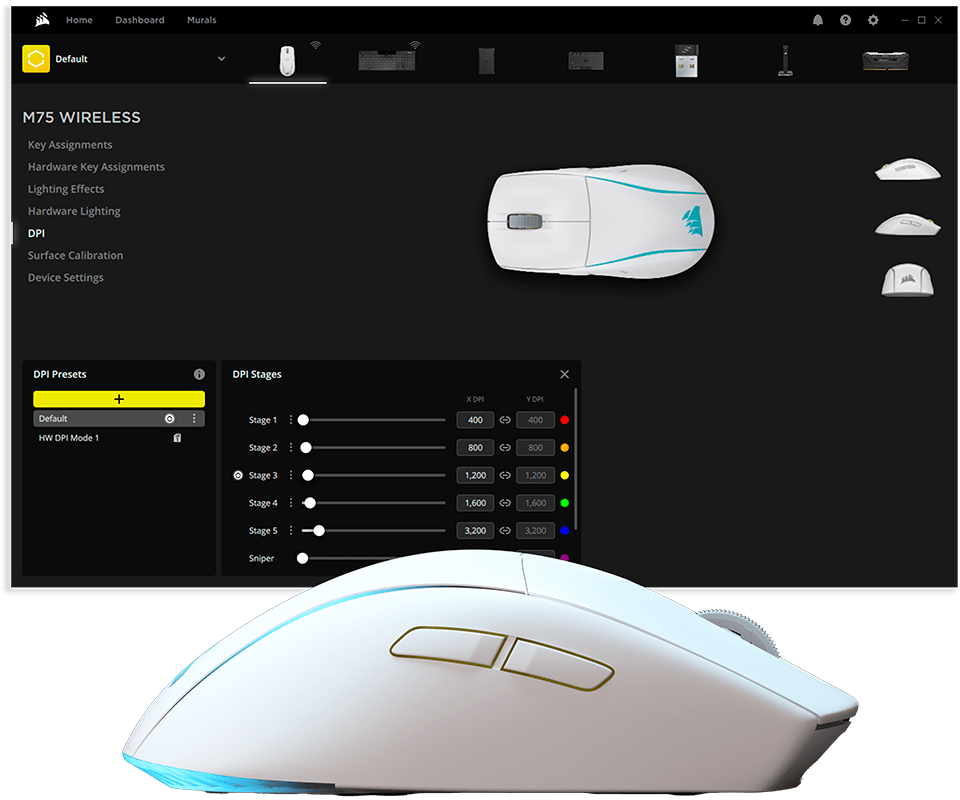
No. Set your DPI stages, lighting and button assignments once, save to the onboard profile, and the mouse keeps them with iCUE closed or on a machine that has never seen it.
What is the real battery life with RGB on?
Corsair's 105-hour and 210-hour figures are with lighting off. With RGB running expect roughly 60–65 hours on SLIPSTREAM. Worth noting that your palm covers the lighting while you play, which is why the off-while-gaming option exists in iCUE.
Does it work with a Mac?
Yes, macOS 10.15 or later, over the receiver or Bluetooth. iCUE has a macOS build for configuration.
What does the warranty cover and who handles it?
Two years against manufacturing defects through Corsair India's authorised service network. We supply the GST invoice you will need to raise a claim, and we will help you open the ticket if something goes wrong.